Tool Family
Images
The image family combines direct format conversion with a more advanced bulk WEBP workflow.
Active Tools
Roadmap Surface

Case Study
A self-service file conversion platform built around category discovery, guided processing, and instant output delivery
EZ Files Converter is a web-based conversion suite where users upload files, choose formats, run conversions, track progress, and download results across image, audio, video, document, and spreadsheet workflows.
5
Converter Families
Images, Audio, Video, Spreadsheets, and Documents are surfaced from one discovery layer.
4
Guided Steps
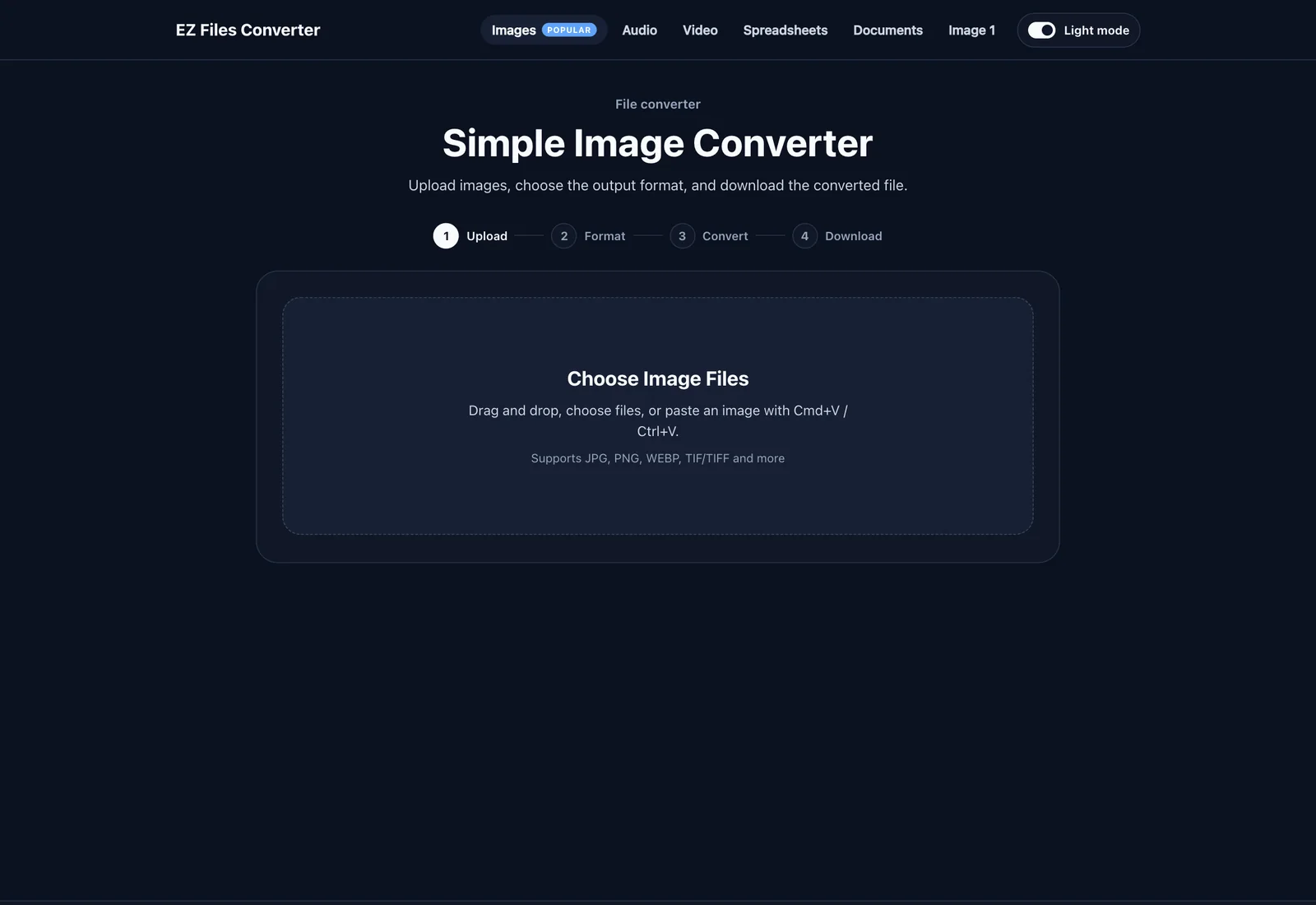
Every converter follows the same Upload, Format, Convert, Download journey.
6
Active Modules
The current live surface covers image, audio, video, document, and spreadsheet flows.
Product Surface
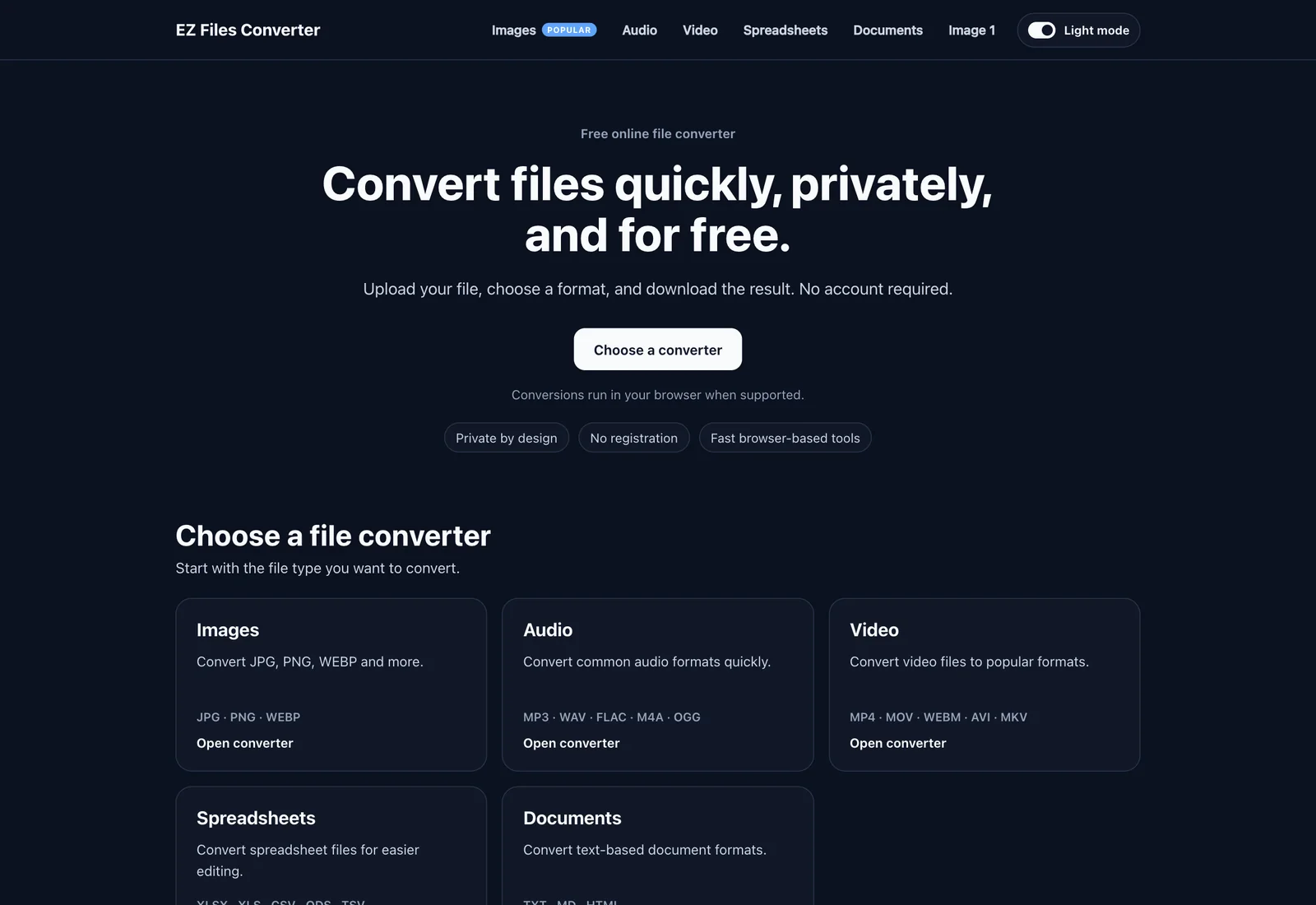
This case study presents EZ Files Converter as a structured multi-category product with a central homepage, shared navigation, category landing pages, and dedicated tool workspaces that keep the upload-to-download journey consistent across the platform.
Tool Family
The image family combines direct format conversion with a more advanced bulk WEBP workflow.
Active Tools
Roadmap Surface
Tool Family
Audio tools focus on quick one-file conversion with familiar output targets and room for future editing utilities.
Active Tools
Roadmap Surface
Tool Family
Video conversion mirrors the same workflow pattern while preparing the product for download and editing utilities.
Active Tools
Roadmap Surface
Tool Family
Document conversion is active today and already positioned inside a broader PDF utility roadmap.
Active Tools
Roadmap Surface
Tool Family
Spreadsheet workflows already exist in the product surface even though the live conversion engine is still a placeholder.
Active Tools
Roadmap Surface
Workflow
The user journey stays consistent even as the conversion engine changes by category.
Step 01
Users enter the workflow by uploading one file, multiple files, or full folders depending on the selected converter.
Step 02
Each tool exposes the valid output formats for that workflow so users can define the result before processing begins.
Step 03
The conversion engine validates the input, processes the file, and surfaces progress or error states inside the guided workspace.
Step 04
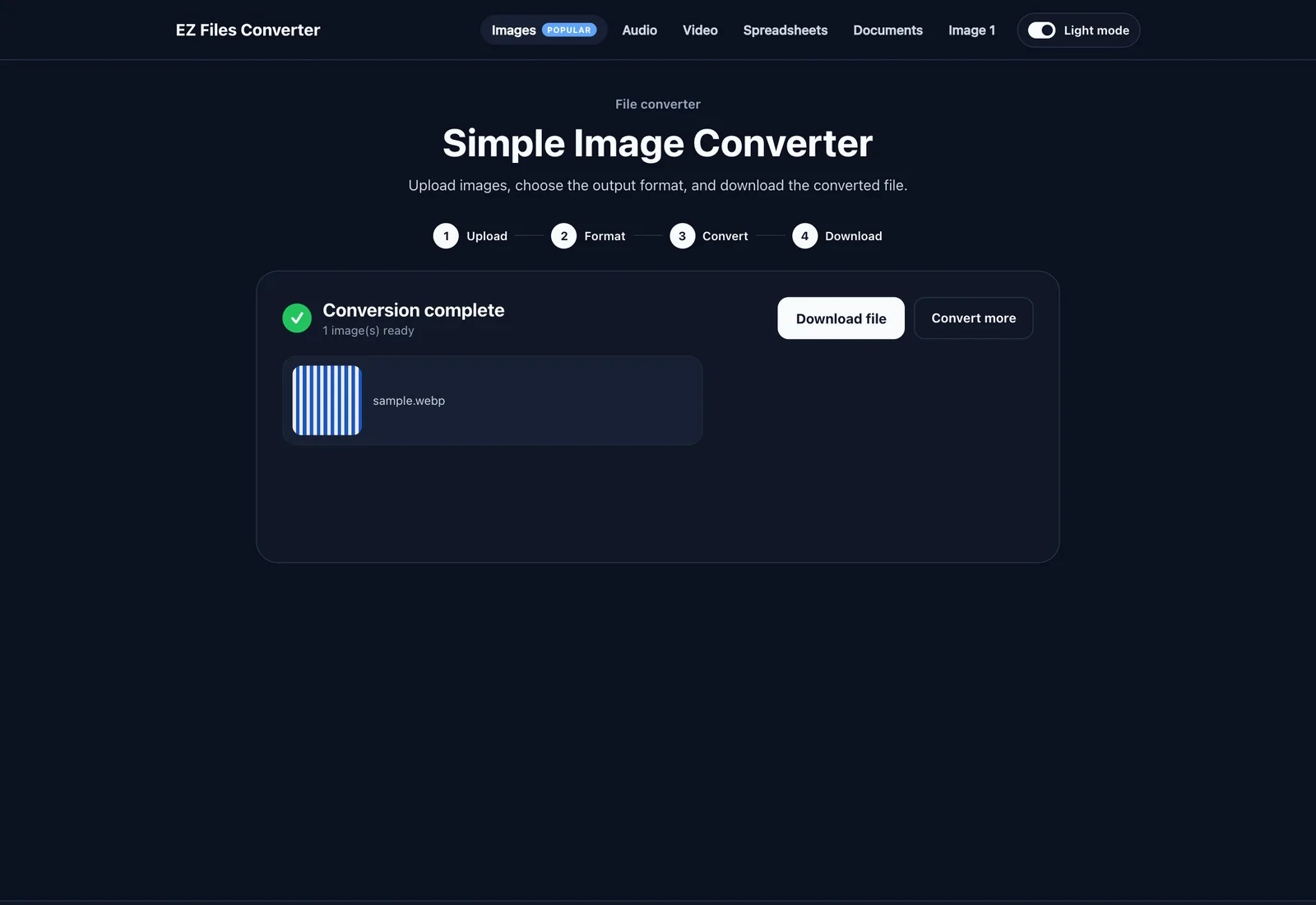
Users receive the output as a direct download or ZIP archive, with reset and repeat-conversion actions ready for the next task.
Active Modules
This section focuses on what users can already do today, from specialized image workflows to audio, video, document, and spreadsheet flows.
Active Module
The product is organized as a multi-category converter suite with a homepage and converter-family navigation.
Active Module
Each tool follows the same Upload, Format, Convert, Download flow to keep the experience easy to learn.
Active Module
Image tools cover both simple format conversion and a more specialized bulk WEBP workflow.
Active Module
Media tools give users direct access to common output formats while keeping the interface consistent.
Active Module
Text document conversion is active today, while spreadsheet flows are already positioned inside the product.
Active Module
The platform includes the product states needed for real self-service usage, not just the conversion action itself.
Screens
These visual blocks are set up for the homepage discovery layer, guided converter workspace, and conversion result states.
Next Step
EZFilesConverter now uses its own section structure focused on tool discovery, guided processing, active modules, and roadmap visibility instead of mirroring the operations layout used on AromaCDF.
Nick is online. Choose the channel you prefer.